
Digital Security in Retirement: Protect the Money You Built

After thirty years with the same phone number, I decided to make a change. It felt symbolic — like the beginning of my own transition into retirement. Out with the old, in with the new. Fresh start. Clean slate.
And then reality hit.
My bank did not recognize me. My investment accounts locked me out. Apps I had used for years suddenly required verification codes that were being sent to a number that no longer existed. I spent hours on hold, repeating my Social Security number to strangers, proving I was who I said I was.
And somewhere between the third hold recording and the fourth customer service representative, it hit me: this is exactly what retirement feels like when you do not have a plan.
When you retire, everything changes at once. Your income source changes. Your health insurance changes. Your daily routine changes. And every single one of those transitions requires verification through the device in your pocket. Your phone number is not just a way for people to reach you. It is the key to the financial life you spent your career building. And if you are not intentional about protecting it, one lost phone, one hacked account, or one careless number change could lock you out of everything — right when you need access the most.
The Numbers That Should Get Your Attention
I am not trying to scare you. But I am trying to wake you up, because the numbers are alarming.
The Federal Trade Commission reported that consumers lost $12.5 billion to fraud in 2024 — a 25 percent increase over the prior year. And in March 2026, the FTC told Congress that losses jumped to $15.9 billion in 2025. That is not a typo. Nearly $16 billion stolen from American consumers in a single year.
Women make up more than half of all identity theft victims. And who do scammers target most aggressively? People in or approaching retirement. Why? Because that is where the money is. Your 401(k). Your pension. Your Social Security. Your life savings. Scammers are not going after the 25-year-old with $3,000 in a savings account. They are going after you.
Related reading: How to Build Wealth for Retirement: A Woman’s Guide
Your Phone Is Your Financial Passport
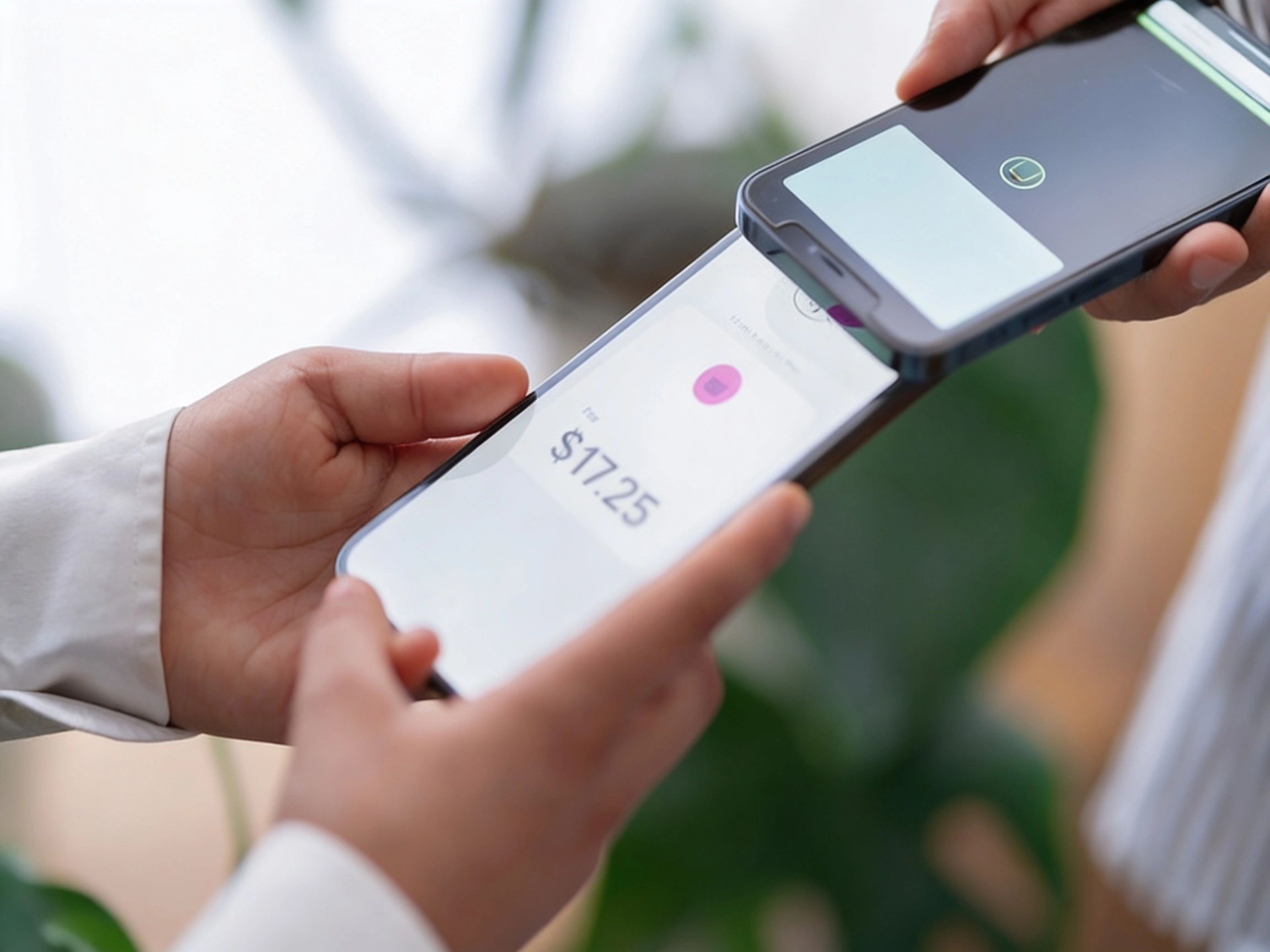
Think about how many places have your phone number right now. Your bank. Your 401(k). Your IRA. Your brokerage. Your health insurance. Your Social Security account. Medicare. Your credit cards. Your pharmacy.
Every single one of those accounts uses your phone number as a verification tool. When you log in, they send a code to your phone. When you call customer service, they verify you by the number you are calling from. When you reset a password, the link goes to your phone.
Now think about what happens when you retire. You lose access to your employer’s HR portal. You transition from employer health insurance to Medicare. You start drawing from retirement accounts you have been contributing to for decades. You might move or downsize. Every one of those transitions requires verification, and all of that verification runs through your phone.
Before you retire, make sure every financial account has a backup verification method beyond your phone number. Add a backup email. Set up security questions. Print your account numbers. Write down your customer service phone numbers. These five minutes of preparation could save you hours of crisis during the most important financial transition of your life.
Those Spam Calls Are Not Just Annoying — They Are After Your Retirement Savings
Everyone I talk to is getting bombarded. Every. Single. Person. Calls about lowering your interest rate. Calls about your car’s extended warranty. Calls from numbers that look local because scammers know you are more likely to pick up a familiar area code.
But here is what most people do not realize: some of those calls are not trying to sell you anything. They are collecting data. When you pick up and say “hello,” a few seconds of your voice can be recorded and used to create an AI clone. That cloned voice can then be used to call your bank, your broker, or your family members pretending to be you.
In 2025, AI-powered voice cloning and deepfake scams surged. Scammers create calls that sound exactly like your bank representative, your financial advisor, or even your adult child calling with an “emergency.” They purchase your data from data brokers — your name, your financial behavior, your account details — and use it to craft pitches that feel impossibly real.
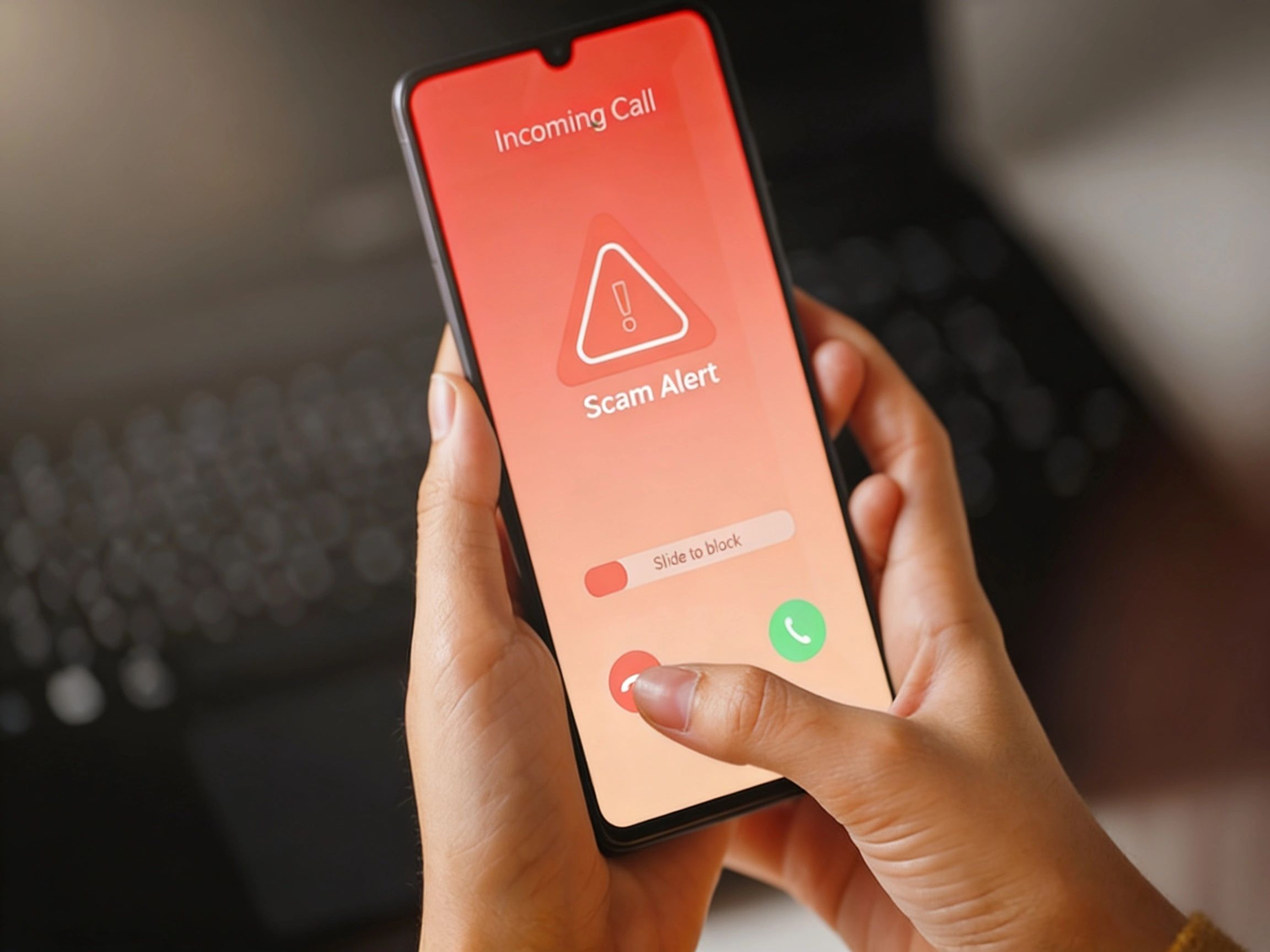
Here is the rule: if someone calls you asking to verify personal information, hang up. Then call the institution directly using the number on your statement or the back of your card. No legitimate bank will ever pressure you to act immediately over the phone. If they do, it is not your bank.
Related reading: Financial Independence for Women Over 50
Your Phone Is Broadcasting Your Financial Anxieties
This is the part that makes my skin crawl. Every app on your phone is tracking something. Your location. Your spending habits. What you search for when you are lying awake at 2 AM worrying about whether you have enough saved.
Companies called data brokers collect this information and sell it. When you download a free retirement calculator, a budgeting app, or even a coupon app, you are trading your financial behavior for the privilege of using their tool. Those data brokers know if you have been searching for “how much do I need to retire” or “can I afford to retire at 62.” And they sell that information to financial services companies — and scammers — who use it to target you.
Think about that. Your most private financial anxieties — the questions you would only whisper to your closest friend — are being packaged and sold to anyone who wants to buy them. That is not a glitch in the system. That is the system.
Just like planning for retirement requires you to be intentional about where your money goes, protecting your financial privacy requires you to be intentional about where your data goes.
SIM Swapping: The Five-Minute Scam That Can Drain Your Accounts
Your phone has a tiny piece of technology inside it that acts as its ID badge — a SIM card. It tells the network who you are so you can make calls, send texts, and use data. Older phones had a physical chip you could pop out. Newer phones use an eSIM, a digital version built right into the phone.
Here is why this matters for your money. There is a scam called SIM swapping where someone convinces your carrier to transfer your phone number to their device. Once they have your number, they can intercept every verification code your bank and brokerage send. They can reset your passwords. They can drain your accounts. And you will not know it is happening until it is too late.
Setting up a transfer PIN with your carrier takes five minutes and stops this scam cold. Call today. Ask for a transfer PIN or account security PIN. Think of it as putting a deadbolt on your financial passport. Five minutes. Free. Non-negotiable.
Back Up Your Phone Like You Back Up Your Retirement Plan
You would not put your entire retirement savings in one account with no backup plan. So why would you keep your entire digital life on one device with no backup?
If your phone disappeared right now — dropped in a parking lot, stolen at the grocery store, cracked beyond repair — would you lose everything on it? If the answer is “yes” or even “maybe,” you need automatic backups. Today.
iPhone Users
Go to Settings, tap your name at the top, then iCloud, then iCloud Backup, and turn it on. Your phone backs up automatically when connected to Wi-Fi and charging. Apple gives you 5 GB free, but most people need more. The 50 GB plan is $0.99 per month. The 200 GB plan is $2.99 per month. Less than a coffee.
Android Users
Go to Settings, then Google, then Backup, and make sure “Back up to Google Drive” is on. Google gives you 15 GB free. Need more? Google One starts at $1.99 per month for 100 GB.
The Step Most People Skip
Back up to your computer too. Connect your phone and create an encrypted local backup. Cloud backups are your safety net. A local backup is your insurance policy. Smart women have both.
Your 15-Minute Financial Phone Safety Plan
Retirement planning is not just about how much money you have saved. It is about protecting what you have built. And in 2026, protecting what you have built means protecting the device that holds the keys to all of it. Here is what to do, and it will take you about 15 minutes total.
Set Up a Transfer PIN
Call your carrier today. Ask for a transfer PIN. Five minutes. Free. This is your first defense against SIM swapping.
Add Backup Verification to Every Financial Account
Your bank, your brokerage, your retirement plan — all of them should have a backup email or security questions in case your phone is unavailable. Set this up while you have access, not during a crisis.
Use a VPN for Financial Business
A VPN — Virtual Private Network — scrambles your digital trail so data brokers and hackers cannot track your activity. Think of it as closing the blinds on your digital windows. Do your banking and investing on a laptop with a VPN, not on a phone app at the coffee shop. Many VPNs cost under $5 per month.
Audit Your App Permissions
Go to Settings, then Privacy on your phone. Check which apps have access to your location, contacts, and microphone. If a flashlight app wants your location, that is not a flashlight. That is a spy. Turn off anything that does not need to be on.
Use a Password Manager
Apple’s built-in Passwords app, Google Password Manager, or services like 1Password and Bitwarden store your passwords securely, sync across devices, and auto-fill your logins. If your phone breaks, your passwords are safe in the cloud. If you prefer pen and paper, keep that paper in a locked location — not next to your computer.
Stop Answering Calls From Numbers You Do Not Recognize
Let them go to voicemail. Legitimate callers leave messages. Scammers do not. And remember — even a few seconds of your voice on a call can be cloned by AI. Silence is your best defense.
Tell Someone You Trust Your Digital Recovery Plan
Just like a good retirement plan includes beneficiaries and emergency contacts, your digital life needs a trusted person who knows your carrier, your backup setup, and how to help you recover if things go sideways. Have that conversation now, not when you are standing in the phone store in a panic.
Related reading: 5 Ways to Prepare Emotionally Before You Retire | The Emotional Side of Retirement: What Nobody Tells You
Fighting Back: Data Removal Options
With over 750 data brokers in the U.S. alone, manually opting out of each one is not realistic. Several services exist that automate this process, sending removal requests on your behalf every 60 to 90 days. Options range from about $8 to $13 per month. If you want to explore this, search for “data removal services” and read independent reviews from sources like Security.org or Consumer Reports before committing to any service. Think of it as hiring someone to clean out the junk in your financial closet.
Frequently Asked Questions
What is a SIM swap and how do I prevent it?
A SIM swap is when a scammer convinces your phone carrier to transfer your number to their device. Once they have your number, they can intercept verification codes from your bank and other accounts. Prevent it by calling your carrier and setting up a transfer PIN. It takes five minutes and costs nothing.
How do I know if a call from my bank is real?
You do not. And that is the point. If anyone calls you claiming to be from your bank and asks for personal information, hang up. Then call your bank directly using the number on your statement or card. Real banks understand this — they will not be offended.
Is my financial information safe on my phone?
It can be, if you take basic precautions. Use a strong passcode or biometric lock. Keep your operating system updated. Avoid doing financial business on public Wi-Fi without a VPN. And back up your phone so that a lost or broken device does not mean lost access to your accounts.
Why are retirees targeted more than younger people?
Because retirees have more accumulated wealth and are more likely to pick up the phone. Younger people screen calls and interact primarily through text and apps. Retirees are also more likely to be unfamiliar with newer scam tactics like AI voice cloning and deepfakes, which makes them easier targets.
Should I stop using my phone for banking?
No. Mobile banking is generally safe when done correctly. Use your bank’s official app, not a web browser. Enable biometric login. Keep your phone updated. Avoid public Wi-Fi for financial transactions. And make sure you have a VPN if you are doing anything financial outside your home network.
Keep Your Digital House in Order

Here is what my phone number change taught me. Transitions are hard. Whether you are switching carriers or switching from a paycheck to a pension, the complexity is real. The paperwork is real. The “who am I now” feeling is real.
But the difference between a smooth transition and a chaotic one is always the same thing: a plan.
When I changed my phone number without preparing, I was locked out of my financial life for days. When you retire without a plan, you can be locked out of the life you imagined for years. Same principle. Different scale.
So treat your phone like what it is — your financial passport. Back it up. Lock it down. Know what is on it. And have a plan for the day something goes wrong, because eventually, something will.
Plan your phone. Plan your retirement. Plan your next chapter. Because nobody is going to plan it for you.
Your Next Step
Take the free PROS+ assessment at redefineyourretirement.org to identify the gaps in your retirement plan — financial, digital, and practical. Then explore the Retire Her Way blog for more straight talk about protecting the retirement you have built.